Screenshot Blur
Native macOS screenshot editor that opens from the standard screenshot flow so you can blur tokens, emails, dashboards, and other sensitive details before sharing.
Screenshot Blur is a native macOS utility that drops directly into the screenshot workflow you already use.
Take a screenshot with the built-in macOS shortcut, hold Option, and the image opens immediately in Screenshot Blur so you can hide private details before the screenshot ever gets shared.
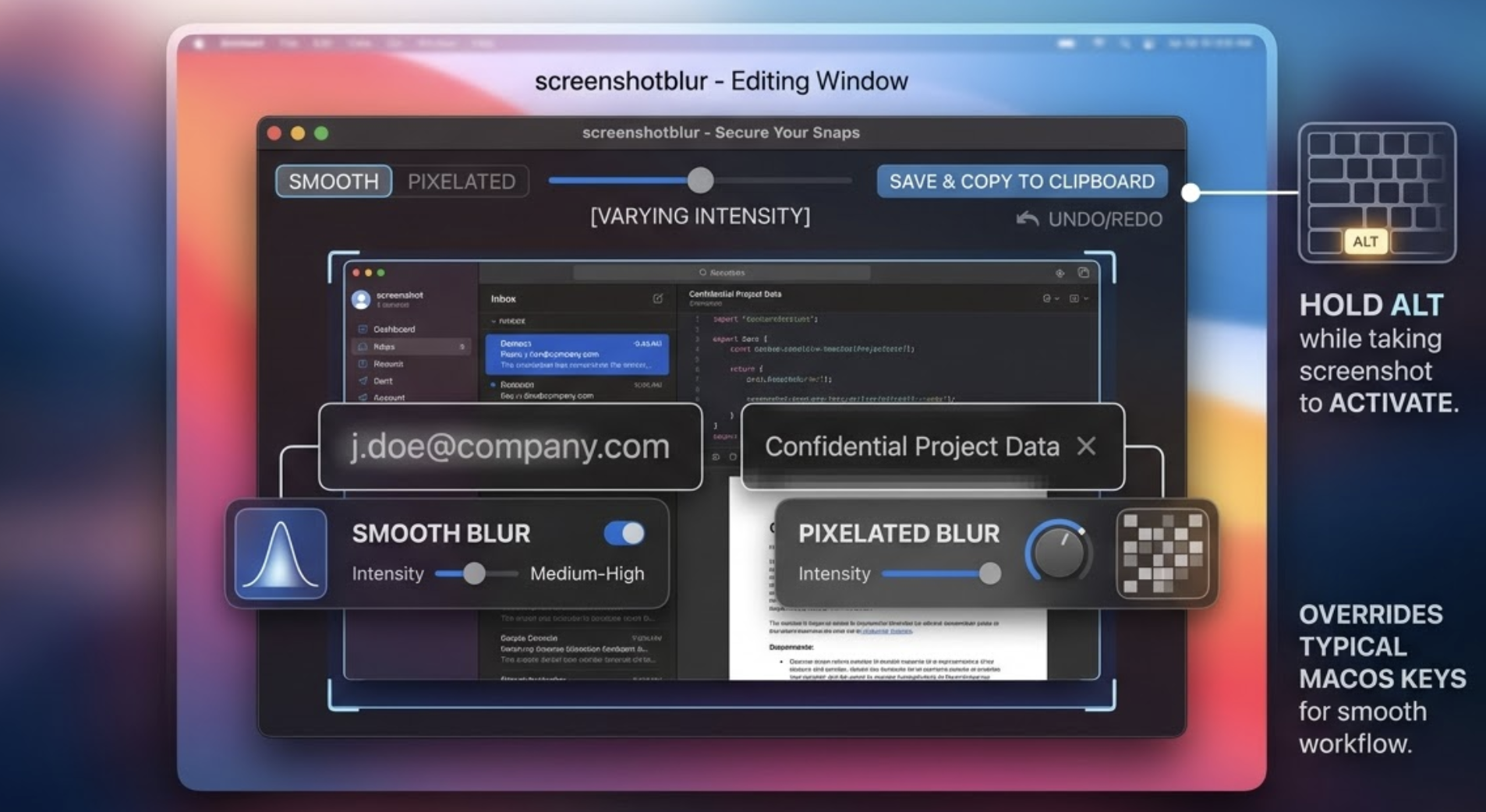
No cloud editor. No upload step. No digging through folders to reopen the image you just captured. Just capture, blur, export, and move on.
Why Screenshot Blur
- Works with the native macOS screenshot flow instead of replacing it with a separate app.
- Opens the editor immediately when you hold
Optionduring capture. - Makes it fast to blur passwords, tokens, personal information, emails, wallet addresses, and internal URLs.
- Keeps editing local on your Mac.
- Supports both smooth blur and pixelation.
- Lets you save, copy, or do both in one step.
How It Works
- Use the normal macOS screenshot shortcut.
- Hold
Optionwhile completing the screenshot. - Screenshot Blur opens the captured image in the editor.
- Draw blur areas over anything sensitive.
- Save the result, copy it, or do both.
Built for real screenshots
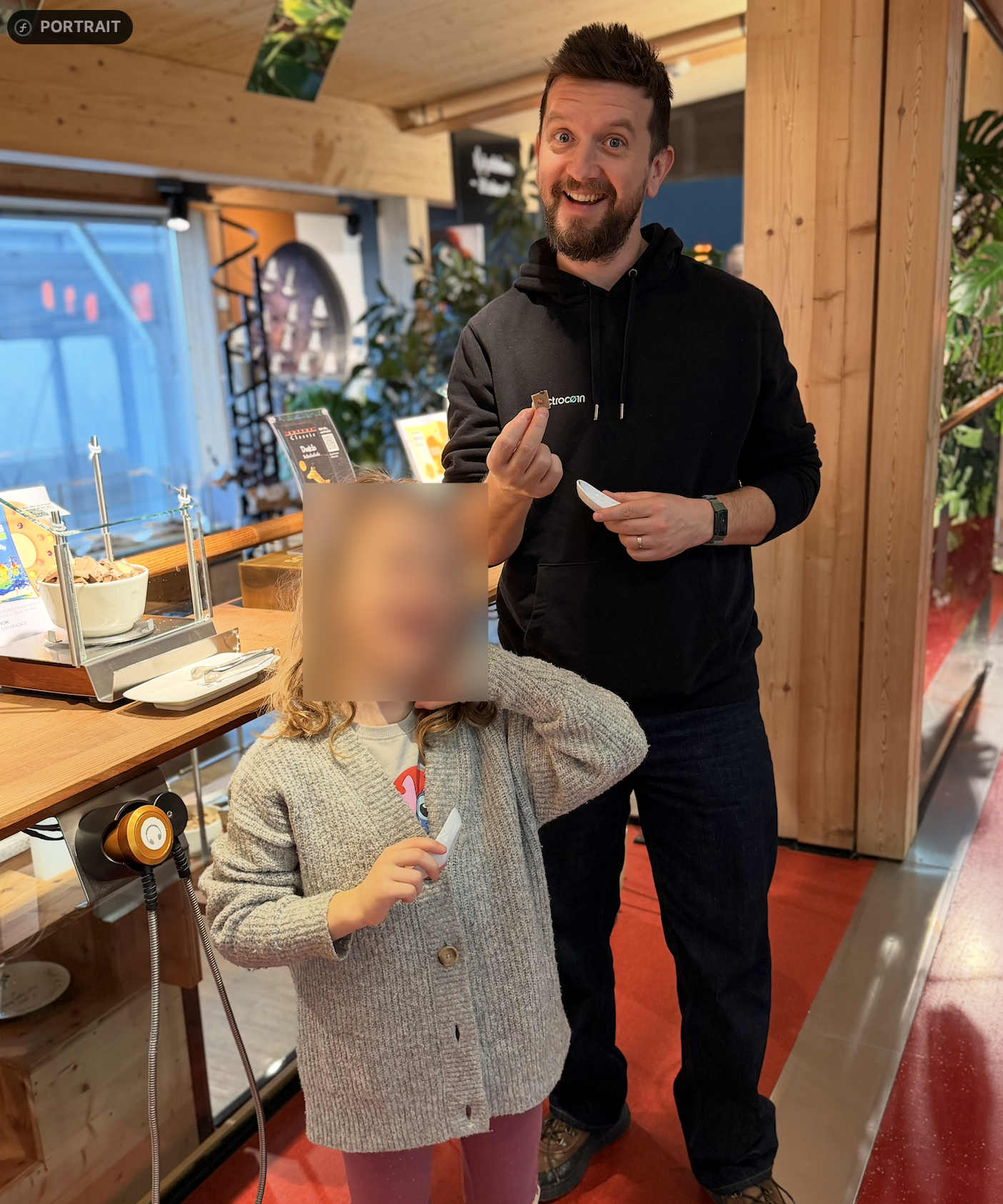
Screenshot Blur is designed for developers, founders, support teams, researchers, writers, and anyone who regularly shares screenshots that may contain sensitive information.
Typical use cases include:
- hiding API keys, access tokens, and passwords
- obscuring customer names, email addresses, and personal data
- removing internal dashboards, admin URLs, and private messages
- cleaning up screenshots before posting on social media, in documentation, or in support threads
Privacy by design
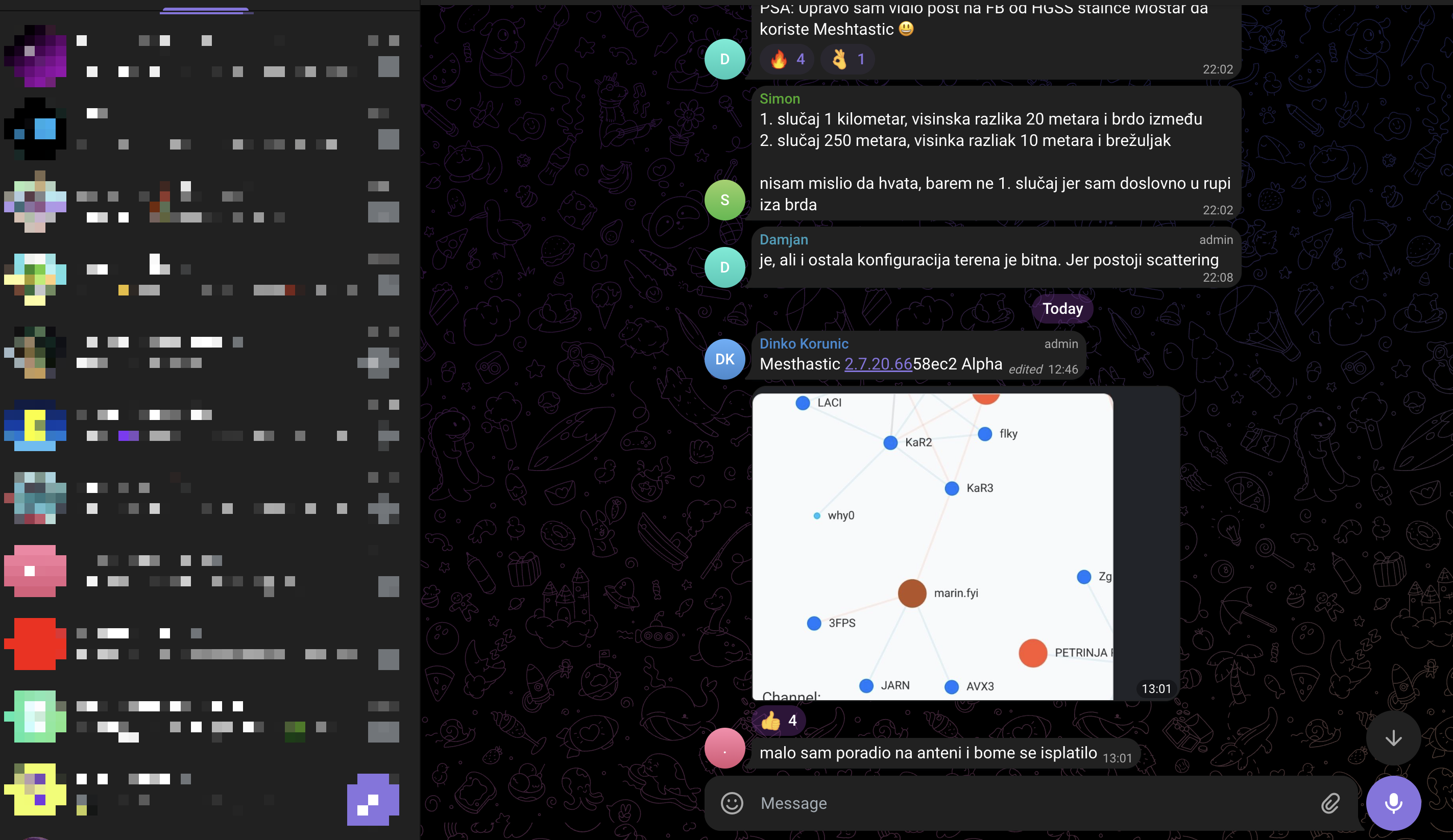
Screenshot Blur is intentionally simple:
- screenshots are processed locally on your Mac
- the app does not upload screenshots to Bitfalls
- the app does not require an account to function
- the app does not depend on a cloud service to blur images
The app may request macOS permissions such as Screen Recording and Input Monitoring because those permissions are required to intercept screenshot shortcuts and capture screenshots programmatically.
Pricing
Screenshot Blur is currently priced at $12 as a one-time purchase.
Unless stated otherwise at the time of purchase, your purchase gives you access to the current version of the app and updates that Bitfalls makes available for that version line. Pricing, packaging, and future upgrade policies may change for future customers.
Support
If you need help, run into a bug, or want to request a feature, contact Bitfalls through:
Terms, Refunds, and Privacy
This app uses the shared Bitfalls app legal terms. Review the license, refund window, and privacy policy on the dedicated legal page.
Read the Legal Terms